


Description
Expand Knowledge with Brave Brain Trivia
Overview
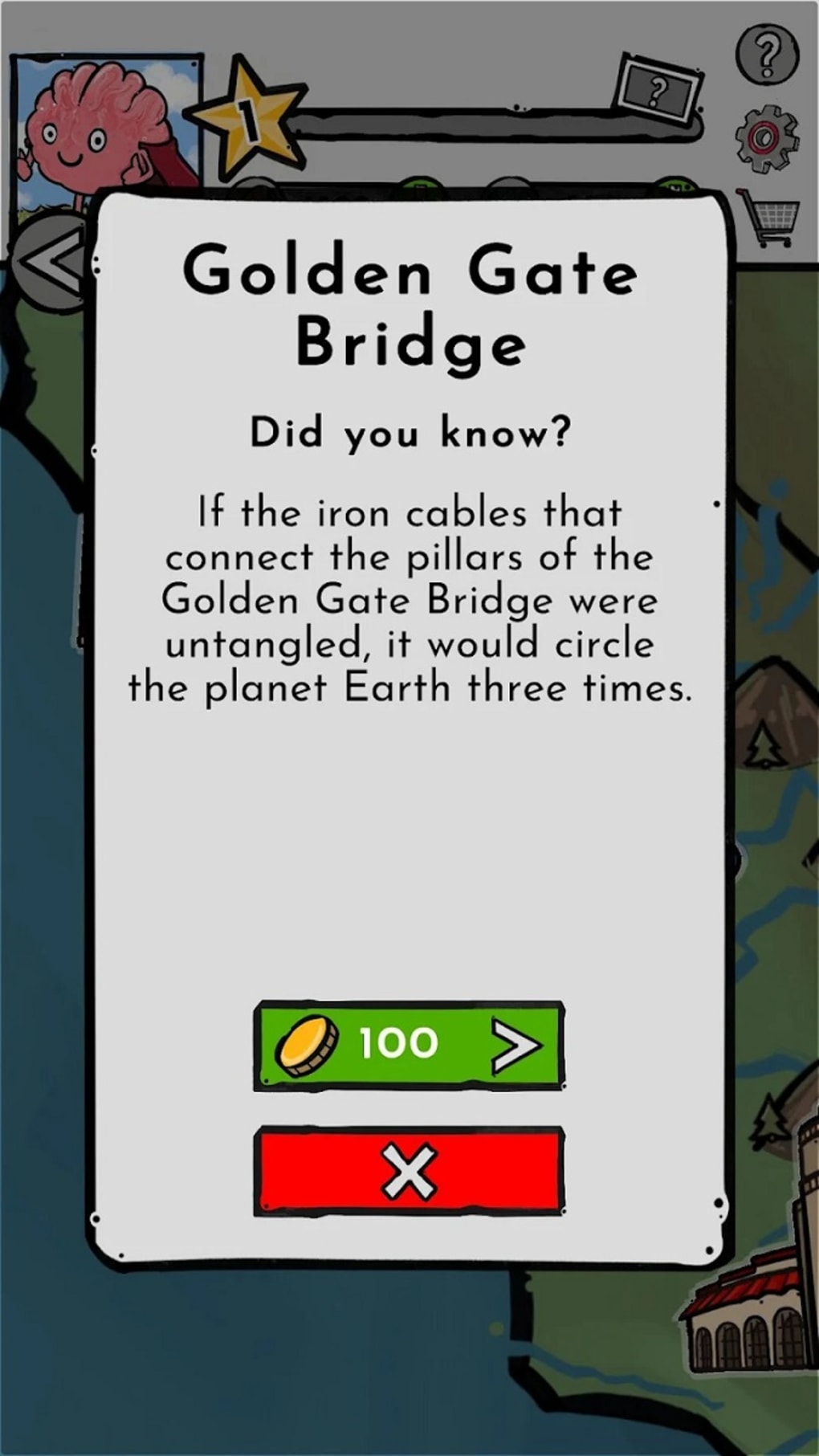
Brave Brain Trivia Quiz Game is a free desktop application designed to deliver an engaging and educational experience through interactive trivia challenges. The software targets individuals seeking to expand their general knowledge across diverse subjects such as geography, history, science, and culture. Players navigate a world map to explore different countries and locations, answering questions that test their understanding of global topics. This format encourages both learning and entertainment, making it ideal for students, lifelong learners, and casual knowledge seekers. The game features a vast database of over 10,000 questions, ensuring a rich and varied experience across multiple play sessions. While the developer did not provide additional background information, the game’s structure suggests a focus on accessibility and inclusivity, particularly through support for screen readers. This feature enhances usability for players with visual impairments, broadening its appeal. Real-world usage scenarios include daily learning breaks, classroom activities, or personal enrichment during downtime. The game’s lack of a definitive end supports continuous engagement, allowing users to return at any time to test or improve their knowledge.
Key Features & Capabilities
- Diverse Question Database: Over 10,000 trivia questions spanning geography, history, science, and culture, ensuring varied and challenging gameplay.
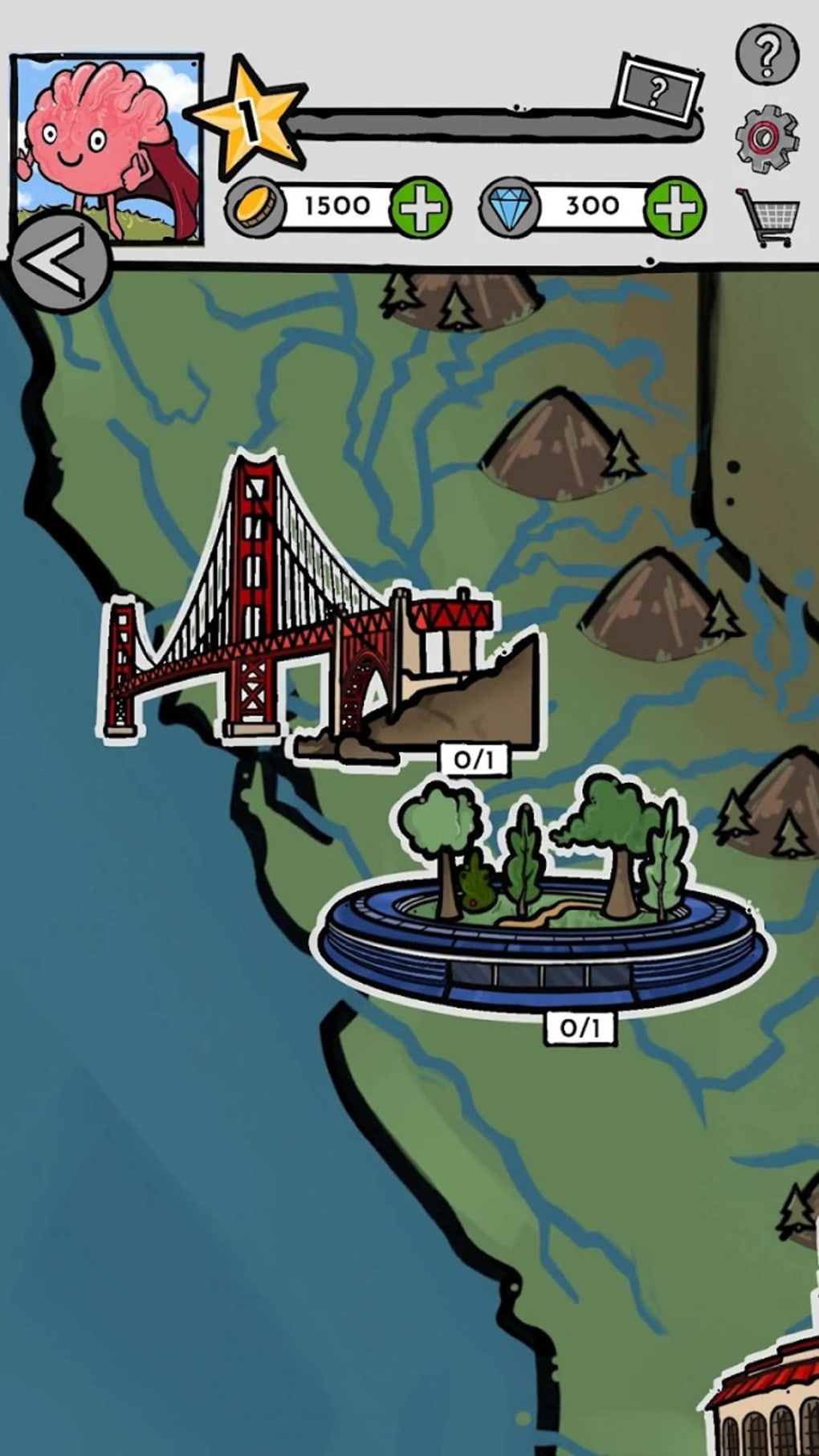
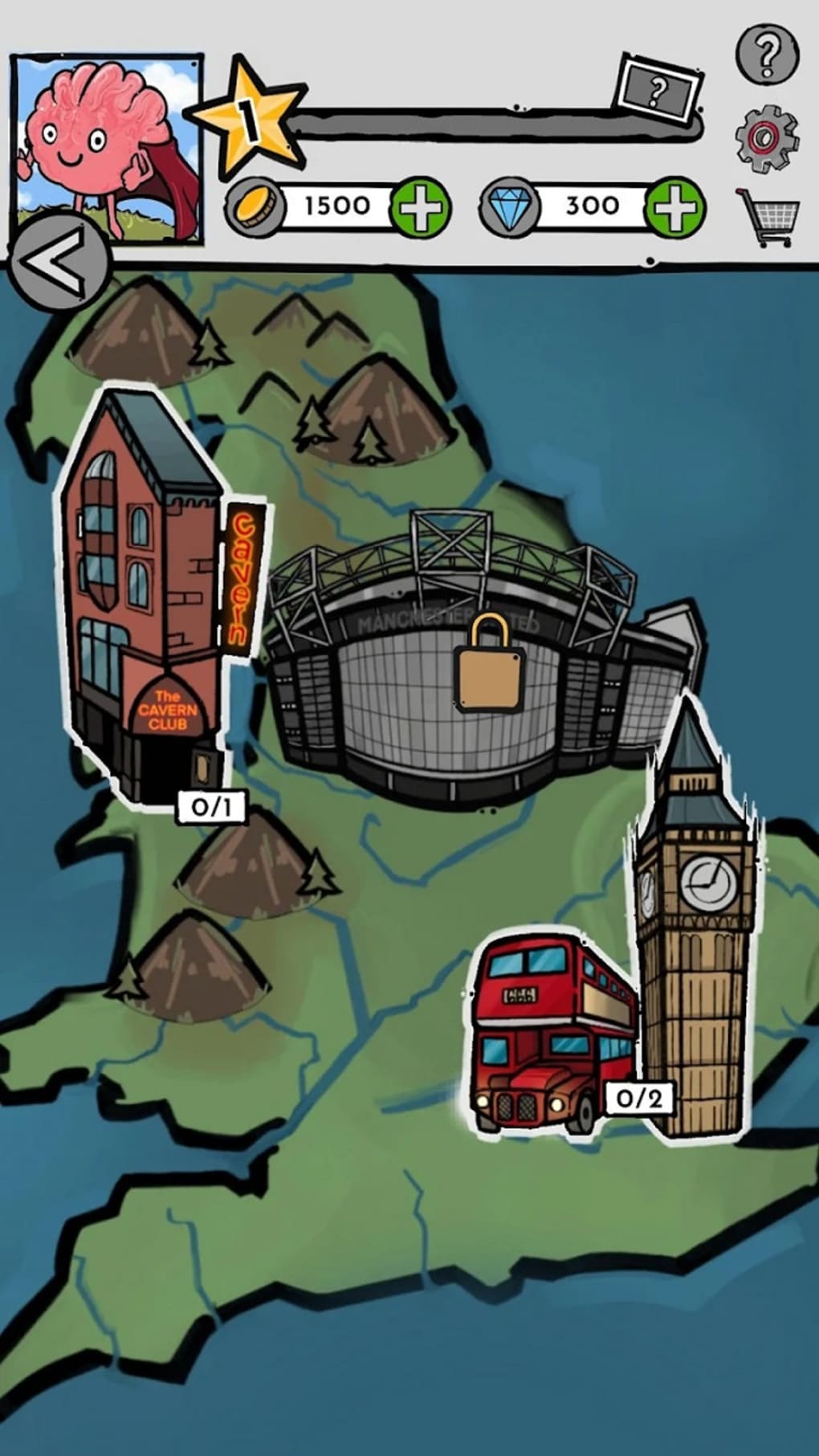
- World Map Navigation: Players explore different countries and locations on an interactive map, adding a visual and spatial dimension to the quiz experience.
- Global Leaderboards: Competitive element enables players to compare scores with others worldwide, fostering motivation and repeated engagement.
- Accessibility Support: Built-in compatibility with screen readers, making the game usable for individuals with visual impairments.
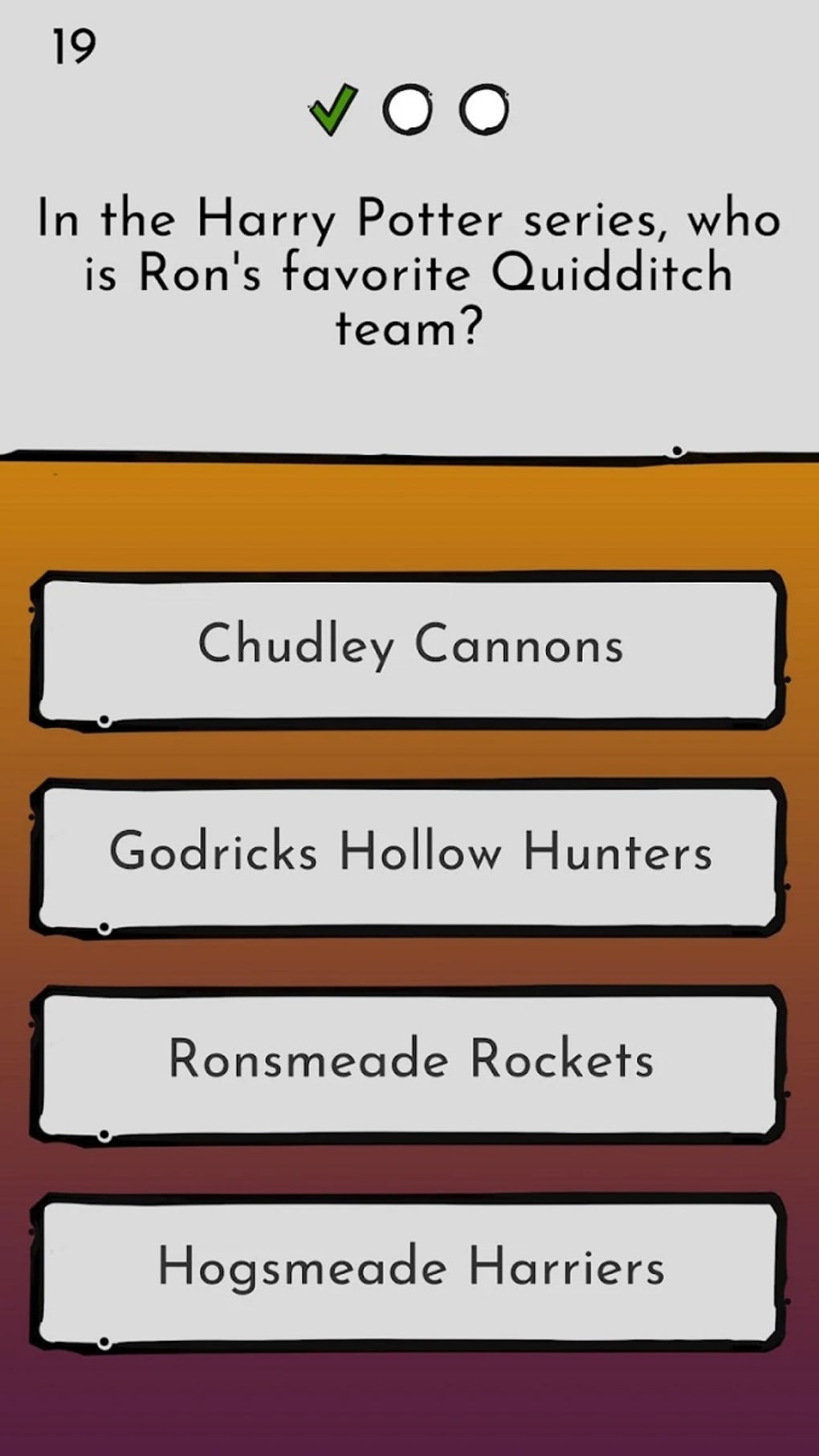
- Multiple-Choice Format: Simple and intuitive interface with clear options, reducing cognitive load and enabling quick decision-making.
- Continuous Learning Model: No end goal or finish line, allowing users to play at their own pace and return whenever they wish.
These features combine to create a learning environment that is both structured and flexible. For example, a user can spend ten minutes reviewing geography facts before a commute, or spend an hour exploring historical events across continents. The interactive map adds context to each question, helping reinforce memory through spatial association. The global leaderboards introduce a social layer, encouraging users to improve their scores over time. Accessibility features ensure that the game is not limited to sighted users, promoting inclusivity. The multiple-choice format maintains simplicity, reducing barriers to entry. Overall, the capabilities are designed to support both casual and dedicated players, balancing education with entertainment.
User Interface, Workflow & Performance
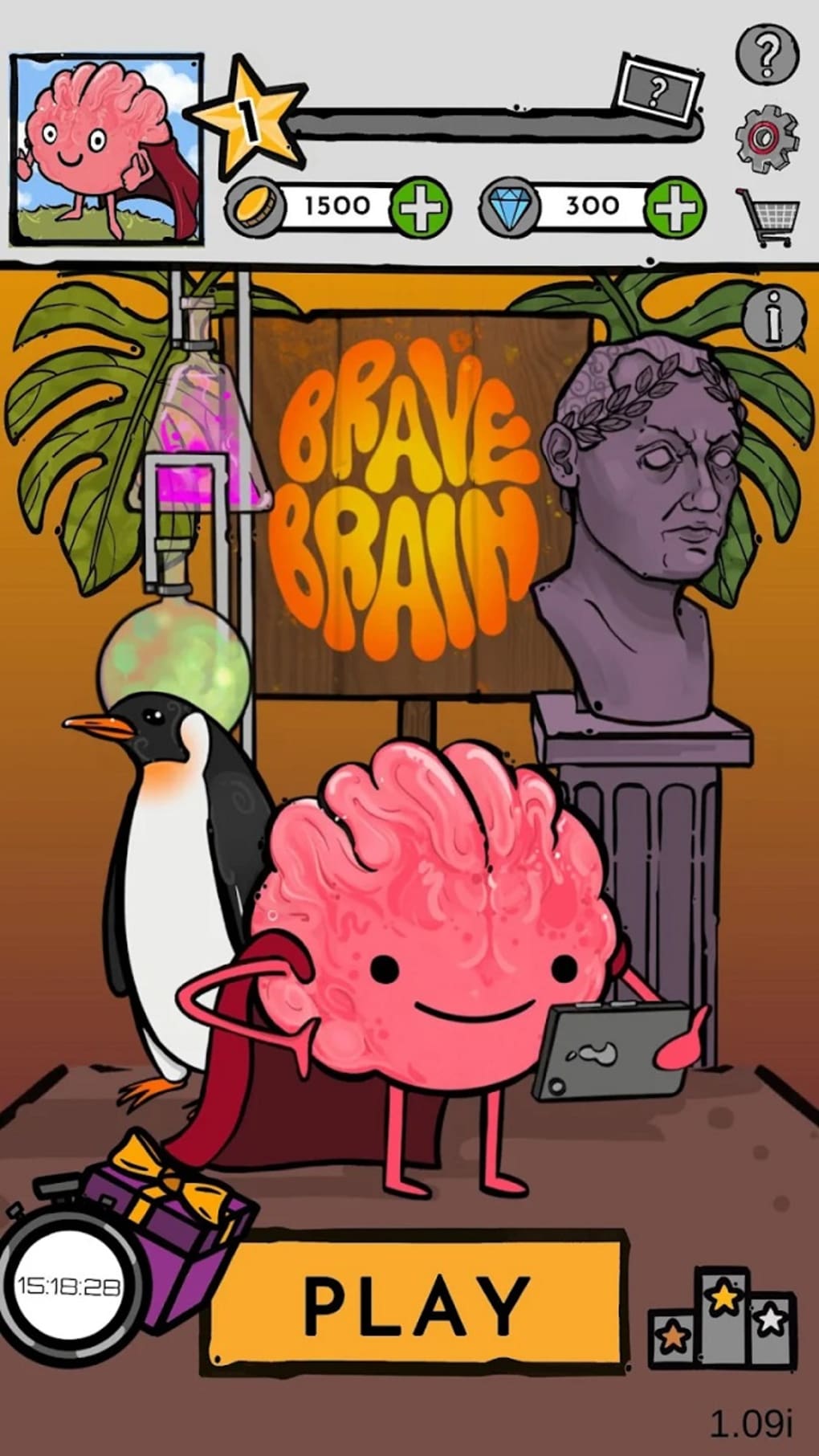
The user interface of Brave Brain Trivia Quiz Game is described as user-friendly, with a straightforward layout that prioritizes clarity and ease of navigation. The main screen features the world map as the central element, with interactive regions that players can select to begin a quiz. Questions appear in a clean, readable format, with multiple-choice options clearly laid out. The workflow is linear and intuitive: select a region → answer a question → receive feedback → proceed to the next. This simplicity reduces the learning curve and allows new users to begin playing immediately. Performance observations are based on general software behavior patterns. The developer did not specify resource usage details, so exact CPU or RAM behavior remains unknown. However, the 256 MB installation size suggests a lightweight application, likely optimized for smooth operation on standard systems. Stability is not explicitly mentioned, but the consistent interface and predictable workflow indicate a stable core experience. No reported issues with crashes or freezes were provided. The game appears to function without requiring high-end hardware, supporting its accessibility goals. Overall, the workflow is efficient and focused on the core activity: answering trivia questions.
Compatibility & System Requirements
Brave Brain Trivia Quiz Game is available for both Windows and Mac operating systems. The software version is 1.0.2, with an installation size of 256 MB. This indicates a compact application that should fit comfortably on most modern desktops. The developer did not provide additional system requirements, so exact hardware specifications such as processor speed, RAM, or graphics capabilities remain unspecified. Compatibility information was partially provided, confirming support for both major desktop platforms. No mention was made of older OS versions or specific hardware configurations. The lack of detailed requirements means users should expect a general compatibility range typical of lightweight desktop applications. For users unsure about their system’s ability to run the software, it is recommended to verify that the operating system is up to date and meets basic desktop application standards. The absence of advanced technical demands suggests broad accessibility across various devices.
Pros and Cons
Pros
- Free to download and use, with no hidden costs.
- Large database of over 10,000 questions across multiple subjects.
- Interactive world map enhances engagement and spatial learning.
- Support for screen readers improves accessibility for visually impaired users.
- Global leaderboards add a competitive and motivating layer.
- Lightweight installation size (256 MB) ensures easy deployment.
Cons
- Some players may experience question repetition over time.
- Exact system requirements were not specified, limiting clarity for some users.
- Performance details such as CPU or RAM usage were not provided.
- Interface may feel minimalistic to users expecting advanced customization.
- No offline mode was mentioned, though this is not confirmed.
FAQ Section
Is Brave Brain Trivia Quiz Game available for Windows and Mac?
Yes, the software is compatible with both Windows and Mac operating systems.
Is the software free to use?
Yes, Brave Brain Trivia Quiz Game is completely free to download and use with no in-app purchases or subscription fees.
Does the game support accessibility features?
Yes, the game includes support for screen readers, making it accessible to players with visual impairments.
Can I play the game offline?
While the developer did not specify offline functionality, the game’s lightweight nature suggests it may be playable without an internet connection. However, online features such as leaderboards may require connectivity.
How often is the software updated?
The current version is 1.0.2, released on May 15, 2024. The frequency of future updates has not been disclosed.
Final Thoughts + CTA
Brave Brain Trivia Quiz Game delivers a compelling blend of education and entertainment, offering a rich platform for expanding general knowledge through interactive challenges. Its extensive question database, world map interface, and accessibility features set it apart from standard trivia apps. The inclusion of global leaderboards adds a motivational edge, while the free model ensures broad accessibility. Although some users may encounter repeated questions, the overall experience remains engaging and rewarding. The lightweight design and cross-platform availability make it suitable for a wide range of users, from students to curious adults. With no definitive end, the game supports lifelong learning and casual play. For anyone seeking a fun, inclusive, and intellectually stimulating desktop application, Brave Brain Trivia Quiz Game stands out as a strong choice. Download Brave Brain Trivia Quiz Game now.
Guides & Tutorials for Brave Brain Trivia Quiz Game
How to install Brave Brain Trivia Quiz Game
- Click the Preview / Download button above.
- Once redirected, accept the terms and click Install.
- Wait for the Brave Brain Trivia Quiz Game download to finish on your device.
How to use Brave Brain Trivia Quiz Game
This software is primarily used for its core features described above. Open the app after installation to explore its capabilities.
User Reviews for Brave Brain Trivia Quiz Game 0
No reviews found





